You've got a client brief open, a deadline approaching, and a downloaded proposal that looks polished but asks the wrong questions. The best proposal writing templates start with the decision your reader needs to make, not the cover design. Use a simple document for a one-off client bid, a funder-led structure for a grant, and a reusable proposal platform when your team sends similar offers regularly.
A freelancer bidding on a website project and a researcher applying for funding need different sections, different tones, and different proof. The freelancer must define deliverables, exclusions, payment terms, and acceptance. The researcher must explain the research question, methods, contribution, and resources needed.
Start with the proposal type, not the template. These ten sources serve different situations, from a short service offer to a collaborative research draft or repeatable sales process. Some provide downloadable files; others require you to work inside a platform.
Before choosing, settle the requirements that could rule a template out:
- Submission format. Check whether the recipient accepts a PDF, requires an editable document, or expects answers in a portal.
- Evaluation criteria. For a formal bid, map win themes to evaluation criteria before writing persuasive copy.
- Approval mechanics. Decide whether you need a signature, procurement review, budget approval, or permission to begin a further discussion.
Keep the sections that help the reader assess your offer. Cut decorative pages that add nothing. Write the evidence, scope, and commitments yourself, because no downloaded template can supply those responsibly.
1. HubSpot
Best for a freelancer or small business preparing a straightforward client bid. HubSpot's business proposal templates offer free Word and PDF downloads, including full-length and one-page options. Guided sections cover the problem, solution, pricing, schedule, project activities, terms, and next steps.
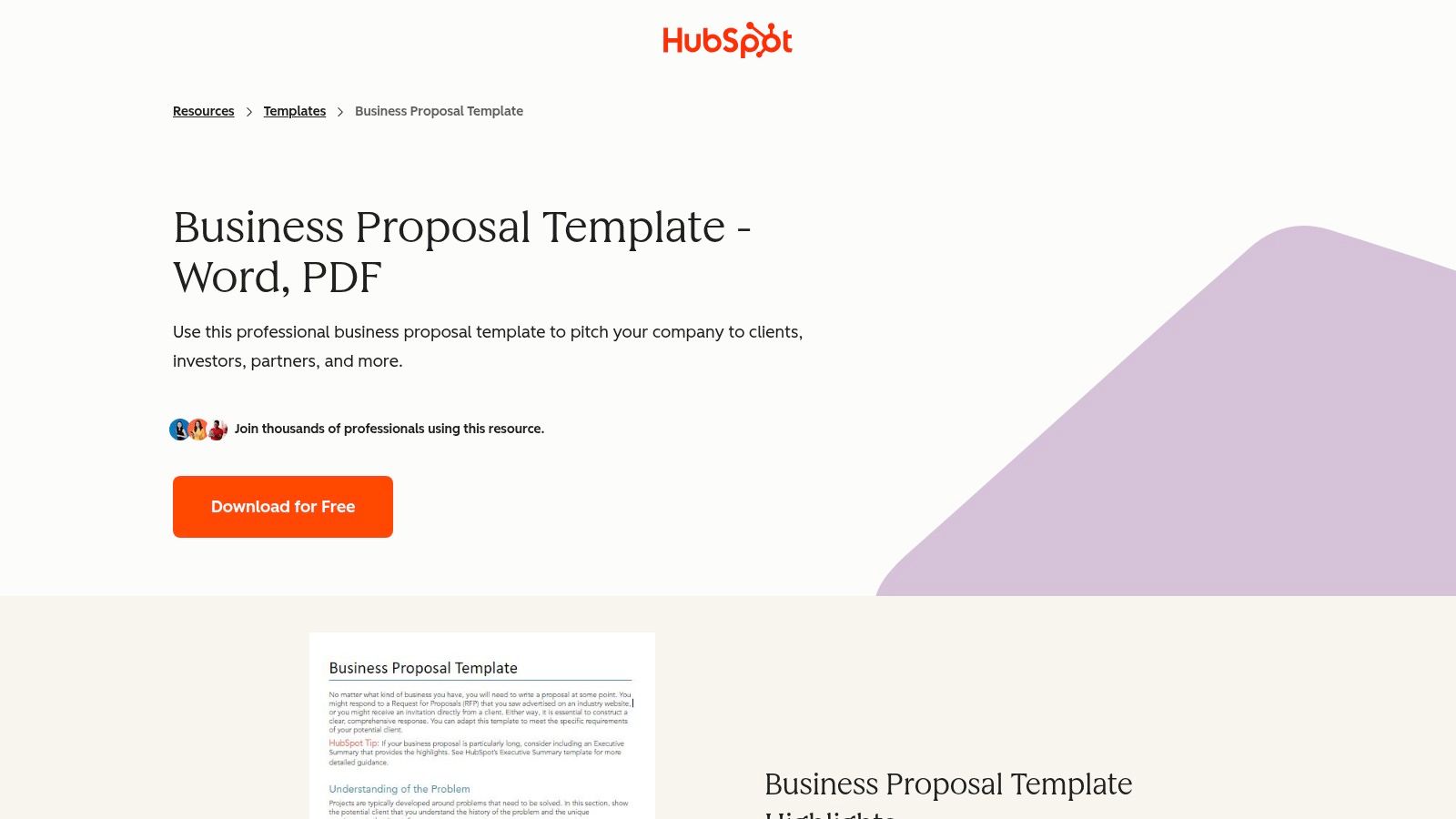
The explanatory prompts are useful when you know your service but aren't sure how to organize an offer. You can edit the document in familiar software and replace the branding without learning a proposal platform.
Choose the shorter version when the buyer already understands the problem and needs a tightly scoped offer. Use the longer version when assumptions, delivery stages, and responsibilities need explanation. Don't squeeze an uncertain project into a short format just to make it look simple.
What you still need to write
For a website project, replace a broad promise about improving the site with named activities: audit, content review, redesign, testing, and launch. Identify who supplies copy, who approves designs, and what happens if those approvals arrive late.
That approach follows the Government of Alberta's proposal guidance, which connects background, objectives, method, schedule, and budget. Costs should correspond to the activities you've described, rather than appear as an unexplained total.
The trade-off is simplicity versus workflow. HubSpot requires contact information to download the templates, and the static documents don't provide built-in tracking or e-signatures. They're a practical starting point for an occasional proposal, but you'll manage revisions, approvals, and sending separately.
2. Smartsheet
A project proposal often needs more than persuasive paragraphs. Someone must check whether the schedule, staffing, and budget fit together.
Smartsheet's business proposal templates suit that planning-heavy situation. Its collection includes business and project proposals, with options for marketing, startups, and shorter offers, in formats including Word, PDF, Google Docs, and PowerPoint.
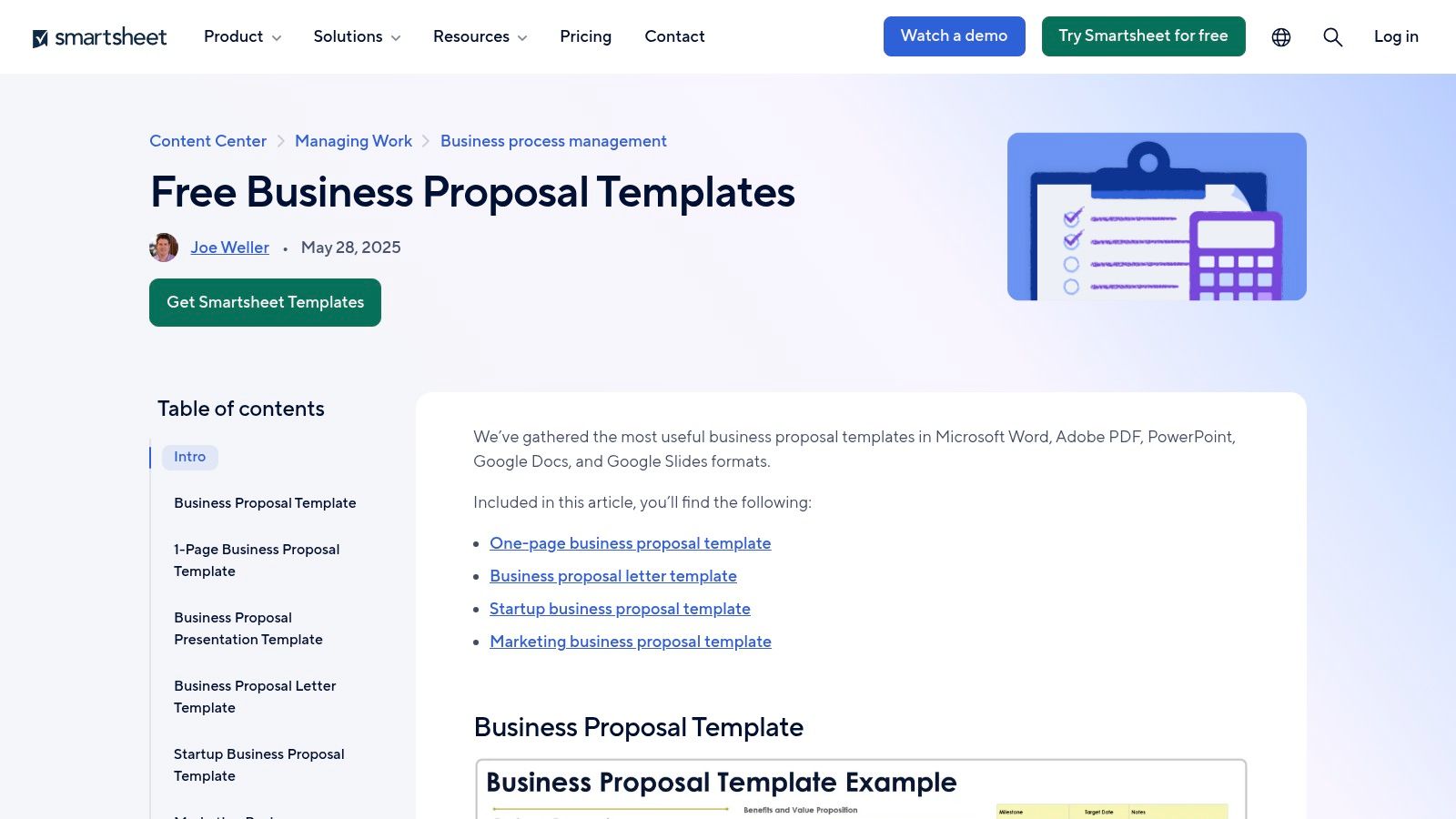
The strength is the connection between the proposal and the delivery plan. Blank and sample versions are available for some templates, and companion planning resources can help you turn an approved proposal into working project documents.
- Keep the operational detail. Retain milestones, budget categories, responsibilities, and dependencies when they help the buyer assess feasibility.
- Cut irrelevant management sections. A small service engagement doesn't need every planning field that a complex internal project might require.
- Write the decision explicitly. State whether you're asking for funding, authorization to proceed, or approval to investigate further.
Say an internal team proposes replacing a booking system. A useful draft explains migration work, staff training, testing, and the conditions for launch. A generic paragraph about modernizing operations doesn't give the approver enough to judge the disruption.
The main drawback is choice overload. Start with the document whose headings resemble your actual approval process, rather than browsing every design. The downloadable templates are also separate from Smartsheet's paid work-management platform, so don't assume a free file includes platform automation or reporting.
I'd choose Smartsheet when planning detail matters more than presentation polish. Check the sample assumptions carefully before reusing them.
3. Canva
Canva fits proposals where visual explanation helps the reader understand the offer. Think event sponsorship, a marketing concept, or a creative-service pitch with examples of the proposed work.
Canva's proposal templates cover business, project, research, marketing, event, and sponsorship proposals. Its visual editor supports changes to layouts, text, colors, and images, with shared-link collaboration and PDF export.
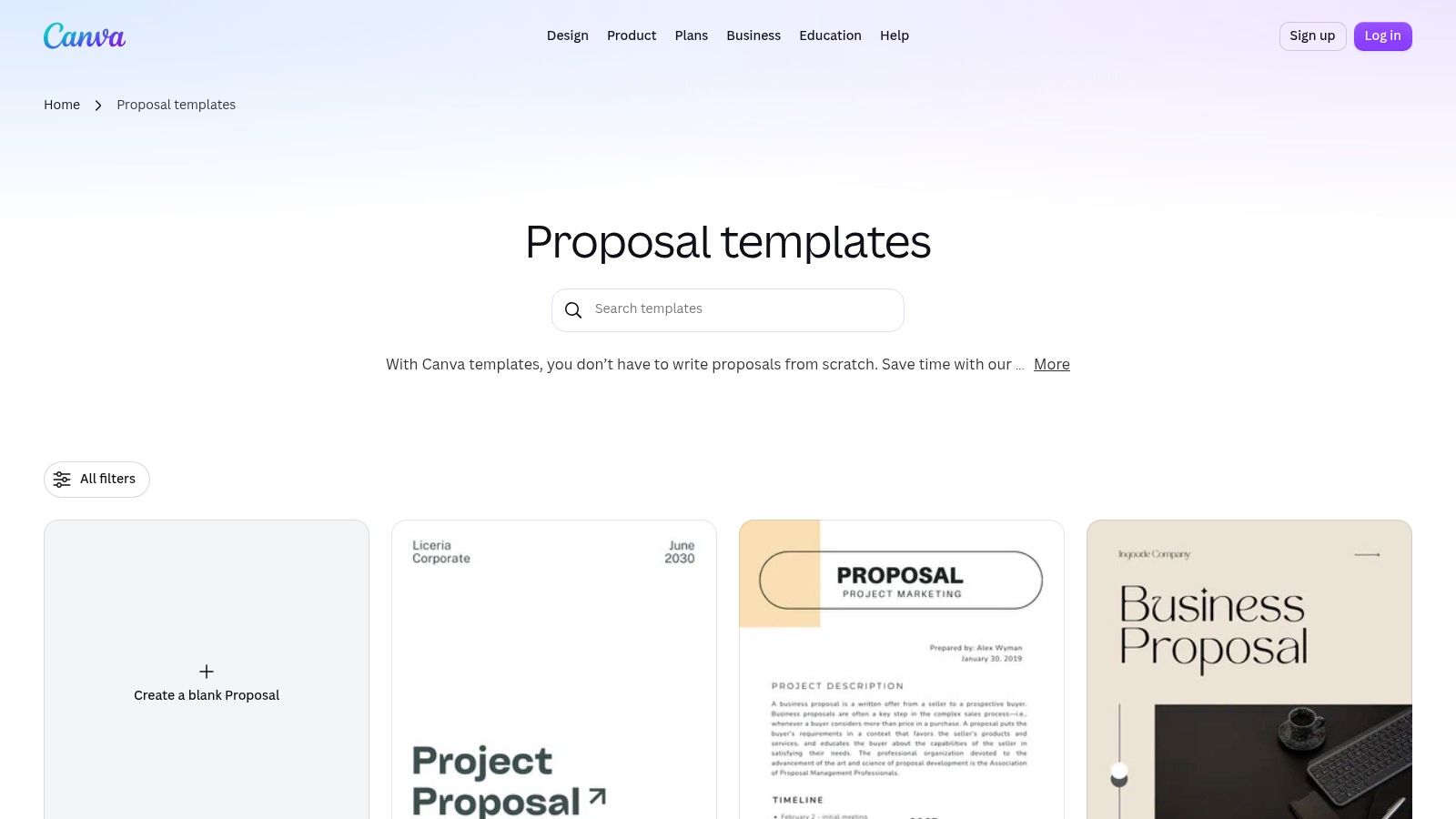
A sponsorship proposal can benefit from a clear audience overview, placement mockups, and a readable benefits comparison. Canva makes that kind of presentation approachable without requiring you to build the layout from scratch.
A proposal should still make sense when you remove the decorative images. If it doesn't, revise the offer before refining the design.
Where the design can get in the way
A layout built around short text boxes becomes awkward when you need detailed methodology, qualifications, or contractual terms. Don't shrink the font to preserve a page design. Expand the document or choose a text-first format instead.
Some assets and features may require a paid plan. A template labeled “research proposal” doesn't establish that its headings match your department's requirements.
What remains yours is the argument. Explain the recipient's problem, the proposed work, the evidence behind your claims, and the requested decision. For a sponsorship offer, specify what the sponsor receives and how delivery will be documented.
Canva is a strong presentation choice when you control the format. It's less suitable when a procurement team dictates section order, file structure, or extensive response fields.
4. Microsoft Word
When legal, finance, and technical reviewers all need to edit the same document, Microsoft Word is a sensible default. Word's business proposal templates include basic, general, one-page, and simple options that you can adapt with branding, tables, and charts.
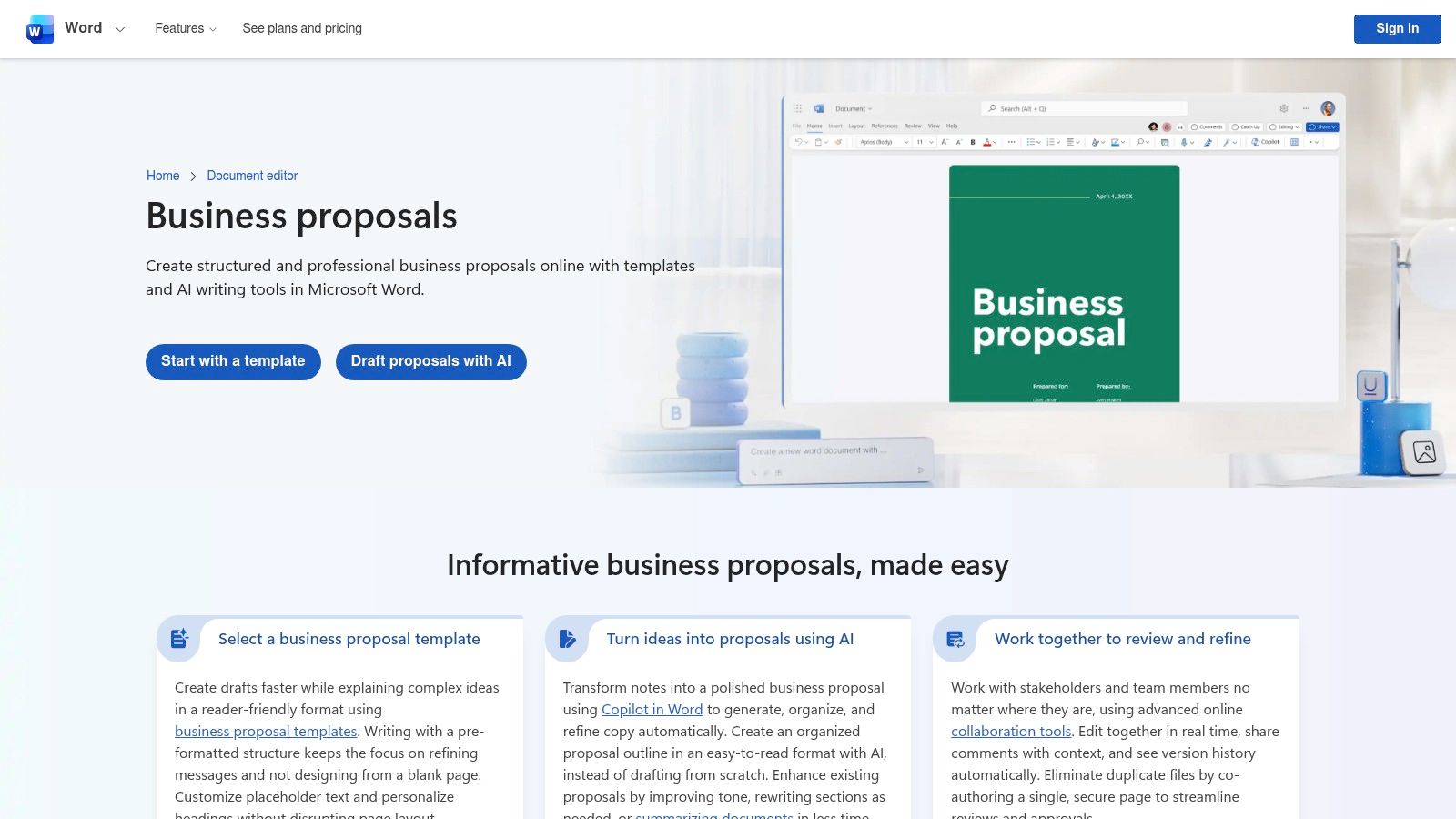
The format fits text-heavy submissions and teams already using Microsoft 365. Online collaboration and PDF sharing support review, although some Microsoft 365 capabilities require a subscription.
In the QorusDocs benchmark survey, 75% of respondents preferred Microsoft Word as their primary application for generating proposal response documents in 2023. That makes document compatibility a practical consideration, not just an editing preference.
Build a stable document, not a fragile layout
Use named heading styles instead of manually changing font sizes. Set up consistent table formatting, page breaks, headers, and captions before several contributors start editing.
For a consulting proposal, separate the executive summary, methodology, deliverables, assumptions, risks, pricing, and terms. Keep detailed supporting evidence in appendices when the submission rules allow it.
- What works. Familiar editing, tracked revisions, and room for detailed explanations.
- What needs attention. Table widths, page numbering, cross-references, and PDF export after the final edits.
- What it doesn't replace. A specialized client-facing workflow for proposal engagement tracking and e-signatures.
Word's weakness isn't a lack of formatting options. It's the ease with which contributors can create inconsistent versions. Keep a controlled master template, give reviewers clear assignments, and avoid circulating competing attachments.
5. Adobe Express
A grant proposal needs a funding case, not merely a grant-themed cover. That distinction matters when choosing Adobe Express proposal templates, which include editable designs for marketing, construction, investors, grants, and other proposal types.
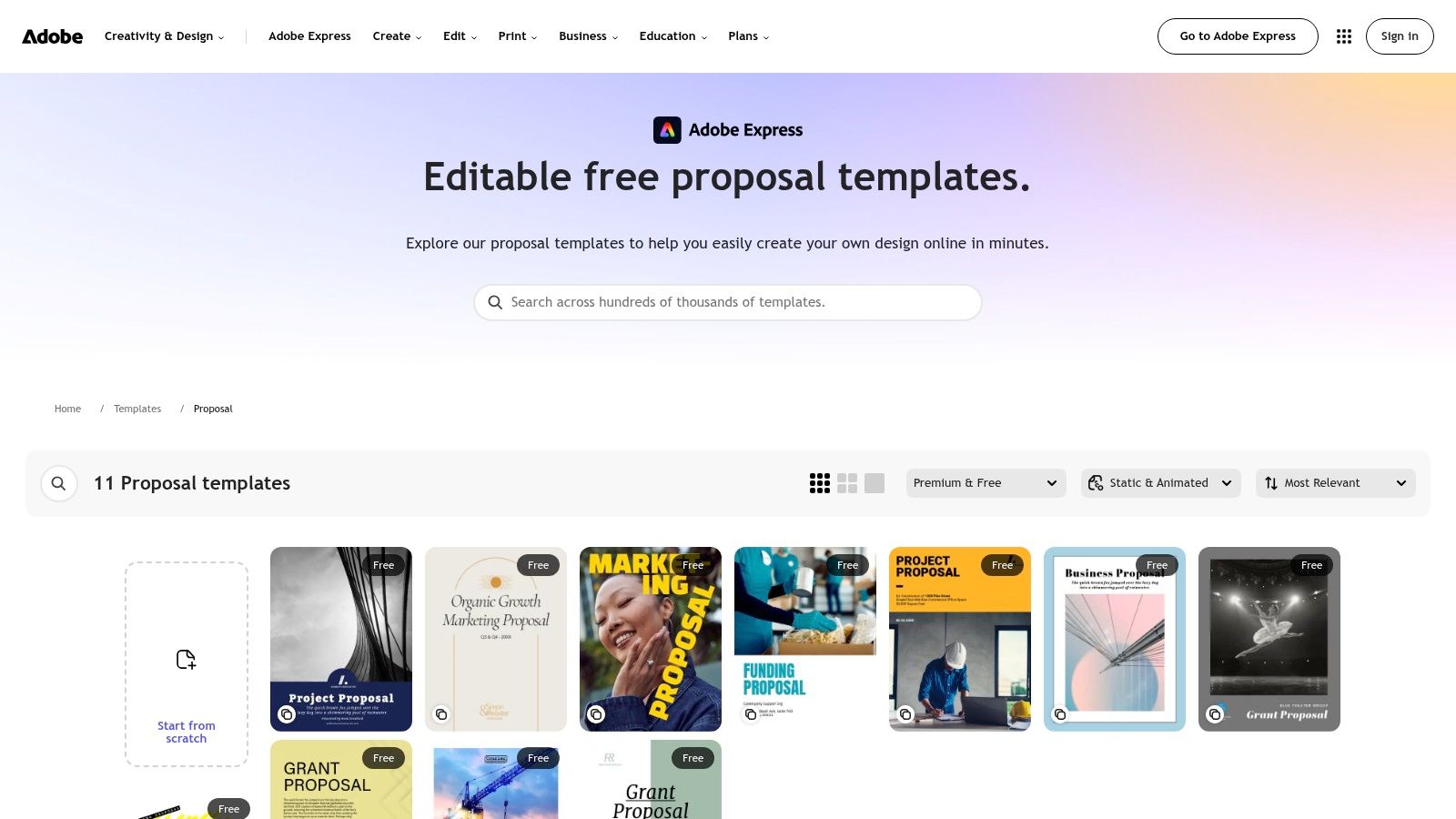
Adobe Express is primarily a design tool. You can adjust fonts, colors, and layouts online, then export the result for sharing or print. Free templates are available alongside premium designs, and basic changes don't require specialist design experience.
Use it when the funder permits a designed document. It can suit a funding overview, a presentation to a foundation, or a visual explanation of a proposed program. It's not a substitute for mandatory application forms.
What a grant design still needs
Start with the funder's required headings. Add the need statement, objectives, methods, evaluation approach, budget justification, and organizational capacity wherever the application requires them.
Competition makes clarity important, but appearance doesn't guarantee funding. A 2023 academic review of grant applications reported that rejection rates commonly reach 80–90%.
For business proposals, the Adobe business-proposal outline also highlights elements that attractive layouts can overlook: scope, risk analysis, measurement, billing, legal terms, and acceptance.
The trade-off is accessible design versus proposal-specific workflow. Adobe Express doesn't focus on signing or tracking proposals, and its selection may be narrower than Canva's for some categories. Choose it for presentation, then audit the content against the actual application or buyer requirements.
6. PandaDoc
PandaDoc makes more sense when the proposal is part of an ongoing sales-document process. Its template library connects reusable business documents with editing, sending, tracking, and signing tools on applicable plans.
That's a different purchase from downloading a Word file. You're choosing a place to maintain templates and move client documents toward approval.
PandaDoc stated that an average of 20 documents were generated from each proposal template created on its platform in 2025, according to its proposal-writing guide. Reuse is the relevant benefit here, provided the underlying content stays accurate.
Reuse the structure, not the buyer's story
A recurring consulting offer might reuse service descriptions, standard terms, and an approved pricing layout. The executive summary should still describe the current buyer's problem and decision.
Use this executive summary writing guide to check whether the opening summarizes the proposed outcome, delivery approach, and investment. A company biography isn't an executive summary.
- Keep approved material. Reuse checked qualifications, service explanations, and terms where they still apply.
- Refresh client-specific details. Review names, scope, pricing, dates, assumptions, and the requested next step.
- Control the master. Assign someone to approve changes before new language becomes standard.
The limitation is plan dependence. Free access supports light use, but limits apply to document volume, recipients, and templates. Advanced sales and workflow capabilities are paid.
PandaDoc is worth considering when repeated preparation and follow-up justify a platform. For an isolated school assignment or a simple client quote, the setup may outweigh the benefit. Don't buy workflow software to avoid making the underlying offer precise.
7. Proposify
An agency sending similar proposals repeatedly has a content-maintenance problem as much as a writing problem. Proposify is suited to that recurring sales situation.
Proposify's templates cover specialties including marketing, consulting, project management, design, construction, and software. Its reusable company templates and content library support material such as case studies, team biographies, and pricing.
The advantage is consistency. Writers can begin with approved content rather than reconstructing the company's capabilities for every opportunity. The drawback is that approved content can become stale or irrelevant if nobody owns it.
Practical rule: Give every reusable claim an owner and supporting evidence. A paragraph shouldn't become trusted simply because it appears in the master template.
Make the content library selective
A web-design buyer doesn't need every case study your agency has produced. Choose examples that match the project's constraints, such as content migration, accessibility testing, or a difficult approval process.
For a client-facing structure, this business proposal writing guide can help you connect the problem, delivery plan, proof, and commercial terms. The template should support that logic rather than dictate unnecessary sections.
The Loopio RFP benchmark reports that software users had collaboration satisfaction 18 percentage points higher than non-users in its cited 2026 benchmark. That finding concerns the broader software workflow, not proof that a particular template causes better results.
Proposify's trade-off is platform depth versus occasional-use simplicity. A team can benefit from reusable material and proposal workflow tools. Someone preparing a single bid may need much less. In either case, customize the services, examples, and voice before sending.
8. Better Proposals
Say you sell website development and keep rebuilding the same proposal sections: discovery, design, development, testing, and handover. Better Proposals offers industry-oriented starting points for that kind of recurring client work.
Its marketplace covers fields including marketing, web design, software development, photography, consulting, and event management. You can adapt a template or build from scratch, using the platform to create and share proposals.
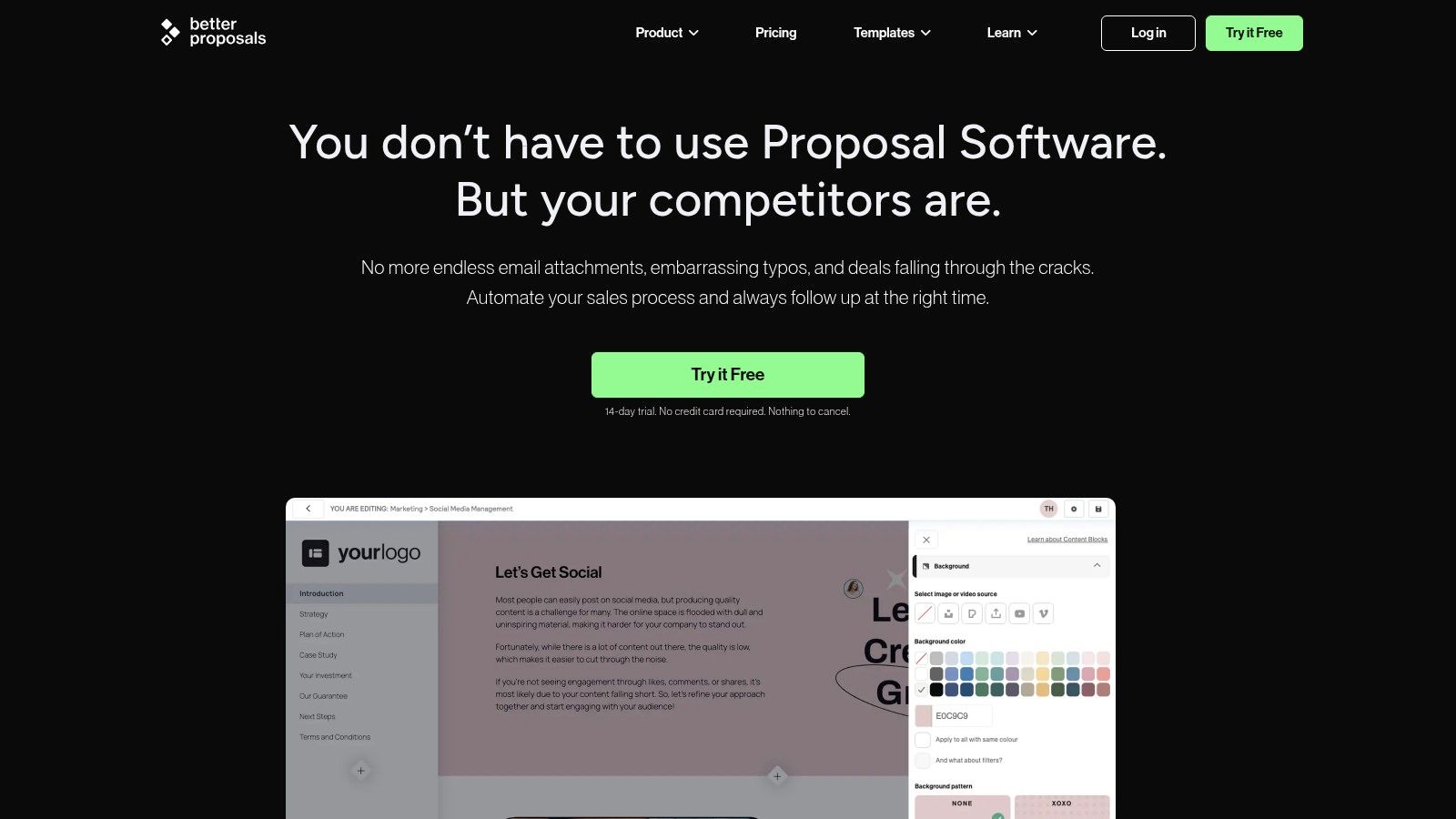
The useful part is the service-specific starting point. A photography proposal and a software-development proposal shouldn't describe delivery in the same way. Industry templates can help you begin with relevant categories, while the help documentation supports platform use.
Replace broad deliverables with boundaries
For a website project, compare these approaches:
- Too vague. Promise a complete website with ongoing support.
- More useful. Name the page types, content responsibilities, integration work, testing activities, handover materials, and support boundaries.
- Ready for review. Explain how the client accepts the work and how changes outside the agreed scope will be handled.
The template won't decide those boundaries for you. Check optional services and default wording carefully, because an attractive package description can imply more work than you intended to include.
The drawback is commitment to another workspace. A software account may be unnecessary for an occasional proposal, particularly when the recipient wants a conventional editable document.
I'd shortlist Better Proposals for repeatable service offers with a recognizable delivery process. I wouldn't choose it merely because a sample proposal sounds persuasive. The pricing, scope, and client obligations still need a deliberate rewrite.
9. Qwilr
Qwilr suits a buyer who can review a web-based proposal rather than a conventional attachment. Its template collection includes more than 140 business-document templates, with options for sales, fundraising, content marketing, consulting, and projects.
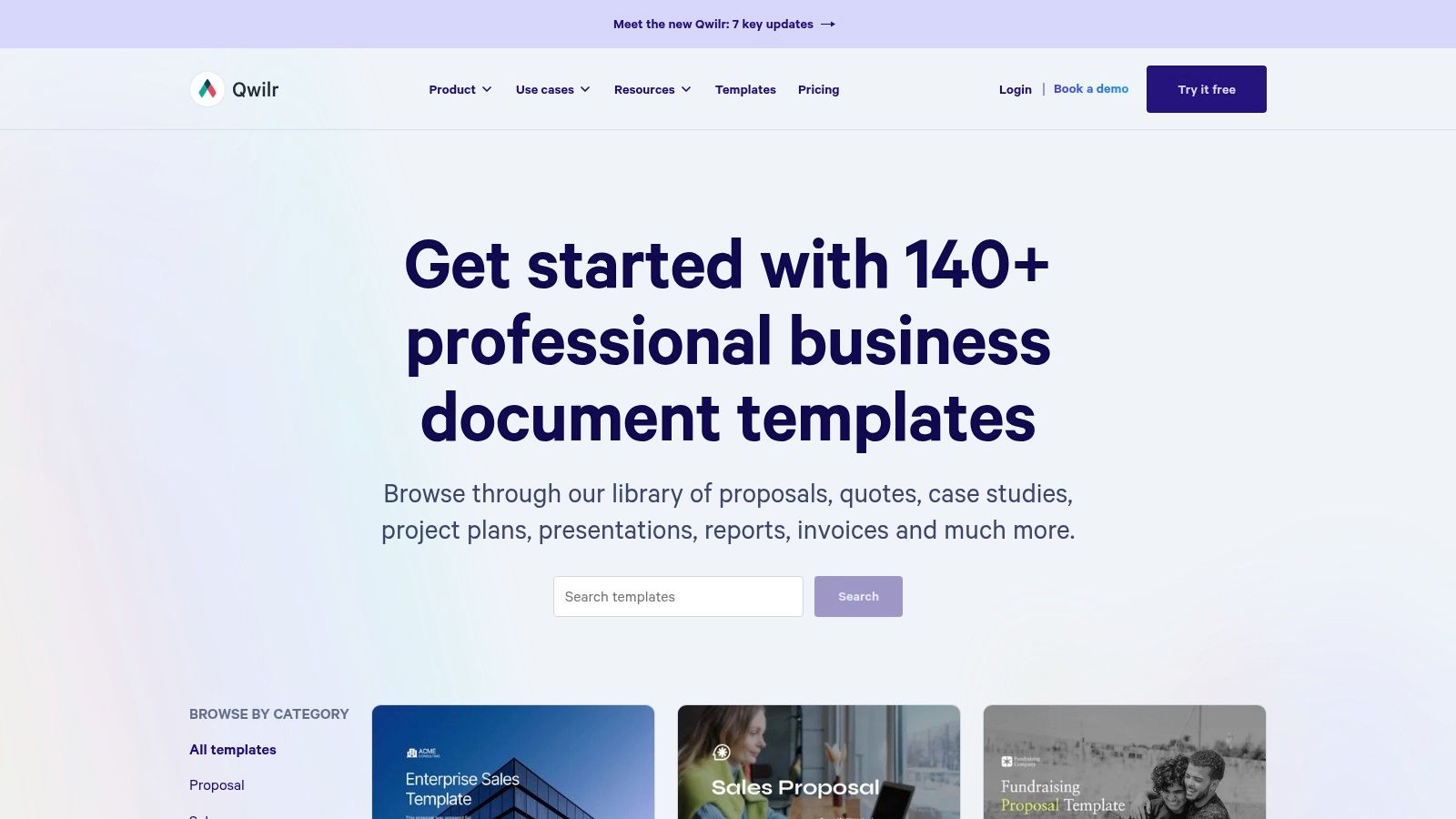
Shareable pages, analytics, e-signatures, and interactive quote features distinguish it from a basic Word or PDF template. Published pricing and workflow options help buyers assess the platform, but it can be an expensive choice if all you need is a document outline.
The first question is recipient compatibility. Can the buyer share a web page internally, review the pricing, and complete the required approval steps? If procurement requires a prescribed submission package, an interactive presentation may add friction rather than remove it.
Make accessibility claims auditable
A polished web proposal still needs usable content and evidence for its promises. The NASCIO accessibility procurement checklist recommends clear, testable criteria and conformance evidence such as VPATs, accessibility statements, test scripts, and remediation records.
For a technology offer, include an evidence section that identifies the requirement, supporting document, responsible person, and verification method. Don't rely on a general commitment to accessibility.
Interactive presentation helps only when the buyer can review, share, and approve the offer in that format.
Qwilr's strength is presentation combined with a sales workflow. Its weakness is excess complexity for a simple academic proposal or a tightly controlled submission. Write the content first, then decide whether interactivity helps the buyer evaluate it.
10. Google Docs
For a research group still debating the question, methods, and responsibilities, shared drafting may matter more than a specialized proposal template. Google Docs provides browser-based editing, real-time collaboration, comments, sharing, and a template gallery.
Its proposal-specific choices can vary. You may need to adapt a general document or bring in a suitable layout, so expect more manual structuring than with a dedicated proposal platform.
That flexibility is useful when the proposal is still developing. Contributors can work in the same draft without installing desktop word-processing software, while the lead writer maintains a coherent argument.
Build the academic structure yourself
Purdue's academic-proposal guidance emphasizes the problem or topic, approach, findings or expected findings, and relevance, with detailed attention to background, methodology, results, and significance.
A broad opening such as “This study explores online learning” needs more work. A useful draft identifies the unresolved problem, the literature gap, the proposed method and sample, and the contribution the study could make.
- Keep comments actionable. Ask reviewers to resolve a method choice or verify a claim, rather than requesting thoughts.
- Separate expectations from results. Don't present anticipated findings as completed work.
- Assign final editorial control. Someone must reconcile terminology and remove contradictory revisions.
Before export, follow a deliberate self-proofreading process. Check citations, headings, references, and whether edits have changed the meaning of technical statements.
Google Docs is strong for group writing, not specialized proposal approval. You'll still need to adapt the structure, manage permissions carefully, and confirm that the final submission format preserves the document's layout.
How the ten proposal template sources compare at a glance
| Item | Best for | Formats | Free option | Tracking or e-signature |
|---|---|---|---|---|
| HubSpot | Freelancers and small businesses needing structured proposals | Word, PDF | Free downloads; contact information required | No built-in tracking or e-signatures |
| Smartsheet | Proposals with project timelines and budgets | Word, PDF, Google Docs, PowerPoint | Free templates available | No tracking or e-signature details stated |
| Canva | Visually polished, customizable proposals | Editable designs, PDF export | Free templates; some assets or features are paid | No tracking or e-signature details stated |
| Microsoft Word | Conventional, text-heavy proposals | Word, PDF | Templates available; some features require a subscription | No specialized tracking or e-signatures |
| Adobe Express | Visually oriented proposals | Editable designs, export for sharing or print | Free and premium designs | No focus on tracking or e-signatures |
| PandaDoc | Recurring proposals needing a document workflow | Digital documents | Limited free access | Tracking and e-signatures on applicable plans |
| Proposify | Teams sending recurring, industry-specific proposals | Reusable digital proposals | No free option stated | Proposal workflow tools; tracking or e-signature details not stated |
| Better Proposals | Client-service businesses sending proposals regularly | Customizable digital proposals | No free option stated | Creation and sharing; tracking or e-signature details not stated |
| Qwilr | Interactive, shareable sales proposals | Web-based proposal pages | No free option stated | Analytics and e-signatures available on plans |
| Google Docs | Collaborative drafting and group edits | Browser-based documents | Template gallery; free-plan details not stated | Sharing and comments; no e-signature details stated |
Pick the Template That Fits the Decision
Choose proposal writing templates according to who will read the proposal and what they need to decide. HubSpot suits a straightforward client bid. Smartsheet helps when planning detail matters, while Canva and Adobe Express are useful when visual explanation supports the offer.
Word and Google Docs suit document-centered review and collaborative drafting. PandaDoc, Proposify, Better Proposals, and Qwilr become more relevant when recurring proposals justify a dedicated platform. None removes the need to define the scope, support the claims, and explain the requested commitment.
Match the format to the approval process
For a grant application, the funder's instructions take priority over the downloaded layout. For an academic proposal, organize the argument around the research question and the methods that can answer it. For a formal procurement, confirm the required sections and attachments before choosing a presentation format.
If your team needs government proposal software, assess it against the solicitation and your review process. A useful system should help you keep requirements, evidence, responsibilities, and final answers aligned.
Proposal production involves coordination as well as writing. A 2020 survey of RFP professionals reported by MarketingProfs found an average of 23.8 hours spent writing an RFP response, with approximately seven people involved.
Check the substance before polishing the language
Fill every section with the client's actual facts. Remove anything that doesn't apply, including impressive-looking sections that don't help the reader evaluate the offer.
- Trace the promises. Every deliverable needs a responsible person, a delivery condition, and a clear acceptance method.
- Reconcile the budget. Check that proposed activities have corresponding costs and that every cost has an explanation.
- Verify reusable content. Confirm that case studies, qualifications, terms, and service descriptions still apply.
- Review the final file. Inspect page breaks, tables, references, attachments, and signature fields after export.
AI-assisted wording needs the same scrutiny. The Zoomforth proposal and RFP statistics assessment highlights the need for human accountability, confidentiality controls, and claim verification alongside AI use.
Keep confidential information out of unapproved tools. Ask subject-matter experts to verify technical commitments, and follow any disclosure rules imposed by the buyer, funder, or institution.
Read the draft aloud before sending. If it still sounds like boilerplate, we can help smooth the wording with Lumi Humanizer while preserving the intended meaning. Your final review still needs to confirm that the revised text matches the evidence, scope, and obligations you're prepared to accept.
Lumi Humanizer helps turn AI-assisted proposal drafts into more natural prose by refining flow, sentence structure, and word choice. Visit Lumi Humanizer, choose a professional or academic style that fits your reader, and revise the sections that sound generic. Review the output against your original scope, facts, and submission requirements before sending.